
Switch Scenes Instantly
ExtensionMove between gameplay, camera, and intermission scenes from an action.
Turn viewer activity into polished production cues. Switch scenes, reveal sources, apply filters, and control audio from Blerp actions.

Give extension and channel-point interactions a visible role in your show.
Move between gameplay, camera, and intermission scenes from an action.
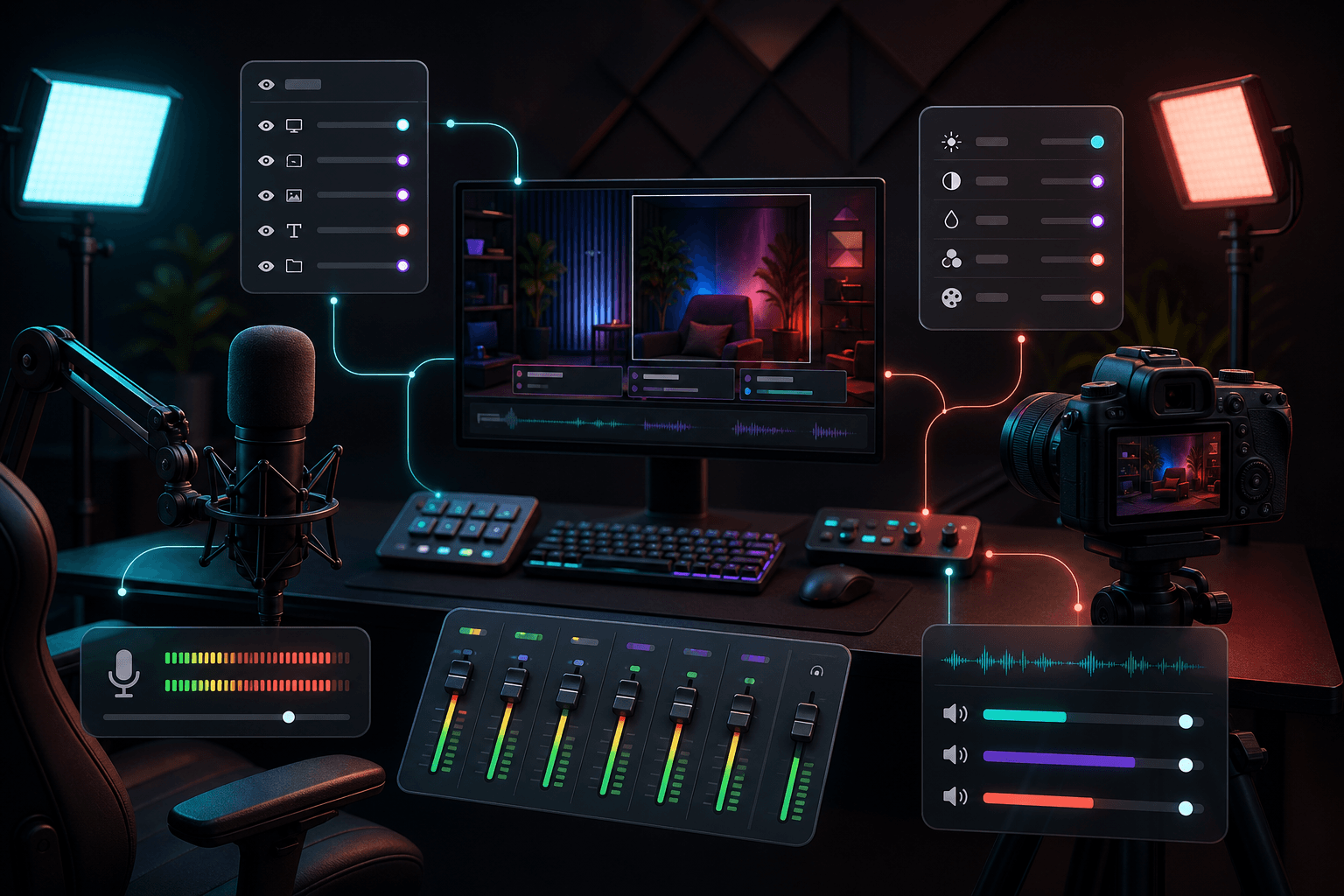
Show sources, run filters, mute inputs, or adjust volume safely.
Pair OBS actions with alerts while keeping your normal alert workflow.
Show a source or filter for the moment, then restore it automatically.
Cut to a special scene when the community triggers a major alert.
Mute, unmute, or adjust an input as part of the alert sequence.
Combine scene, source, filter, and audio steps into one audience-triggered cue.
Temporarily change filters, sources, and audio, then return safely.
Reuse the same production controls across alerts and viewer surfaces.
