Blerp Extension
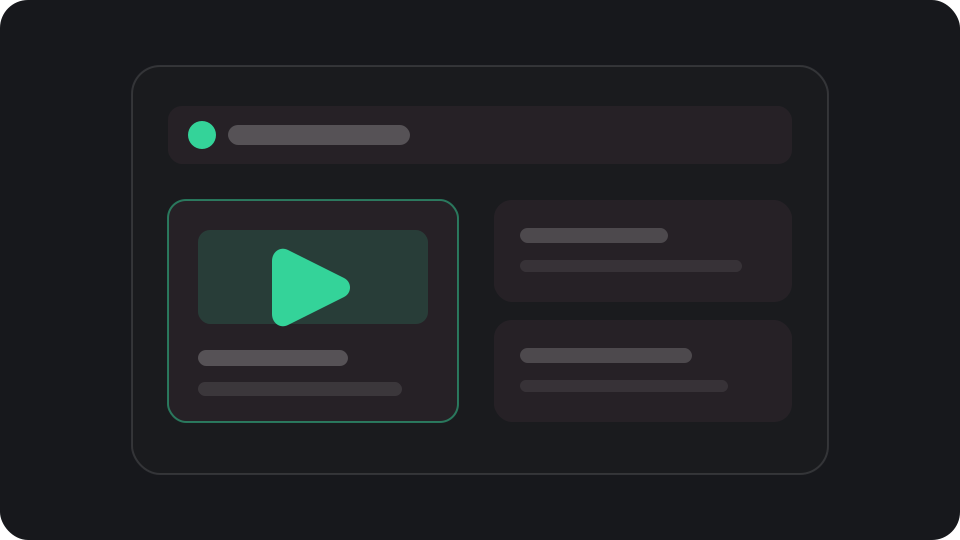
ExtensionAdd a Media Share button where viewers can paste a video link while they watch.
Viewers paste links from YouTube, TikTok, Twitch Clips, Kick Clips, Instagram Reels, X, and Rumble. You decide what plays, then watch and react to it live with your community.

They can share a video from any supported platform through your Blerp extension or a Channel Points reward.
Add a Media Share button where viewers can paste a video link while they watch.
Let viewers redeem a reward to send a video directly to your priority queue.
Every link goes through the same queue, so you or your moderators stay in control.
They paste the video they want you and your community to watch.
Set minimum views or likes and limit video length to reduce spam.
Approve, reject, or reorder submissions before they reach your browser source.
Approved videos play through your Media Share browser source so everyone can share the same moment and react together.
Send an approved video to your browser source when you are ready to react.
Use a flat price or charge by video length, then set a maximum duration.